Your Spire system already does the hard part.
Sovereign Shelf takes the prices, sales and stock you already keep in Spire and puts them on every shelf and bin, automatically. No exporting, no spreadsheets, no typing anything twice.

Production-proven at Delta Art, keeping 1,500 tags in step with a 30,000-product Spire catalog.
What flows from Spire to the shelf.
Prices & price levels
Retail and contractor pricing land on the same shelf-edge tag. Change a price in Spire and the tag follows in moments.
Sales & clearance
Start a sale in Spire and tags switch to your sale look on their own. End it, and they switch back. No one makes signs.
Stock & reorder
Show in-stock, low, or out-of-stock right on the label, with bin, location and reorder info where staff need it.
What you stop doing.
- Printing, cutting and sticking paper price tags
- Re-keying prices into a second system
- Honouring stale tags at the register
- Making clearance and sale signs by hand
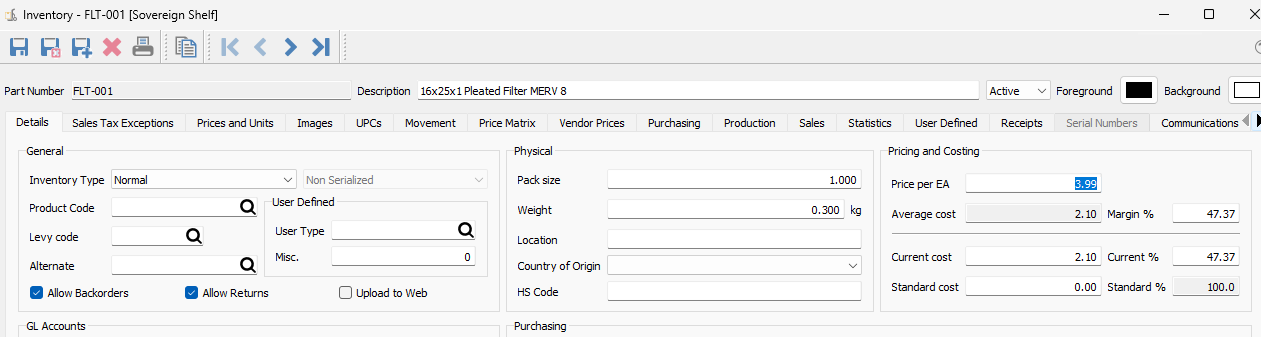
Your Spire data never leaves your store.
The Commander sits on your network and queries the Spire API right there on your LAN. Your prices, costs and customer data live on the Commander, on your premises, and never pass through anyone else's cloud.
- The Commander reads Spire over your local network, not the open internet
- All Spire data stays on the Commander, on-site and in your hands
- Nothing is routed off-site or held by a third-party vendor
- No dependence on long-term stable internet; scheduled price changes still fire offline
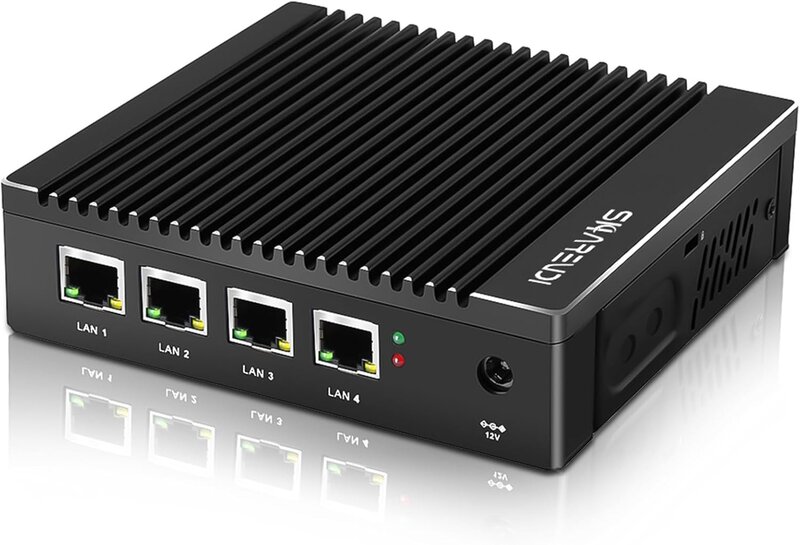
Set up once, then it runs itself.
Your reseller links Sovereign Shelf to Spire during setup. From then on it watches for changes and pushes them to the shelf on its own, with no spreadsheets and nothing to maintain.
Run Spire? Let's connect your shelves.
Book a 15-minute demo and we'll show you exactly how your Spire data looks on the shelf, then connect you with your local reseller.
We use cookies only to understand how visitors use this site. Nothing about your business leaves your store. Privacy policy